 Glow Drawing
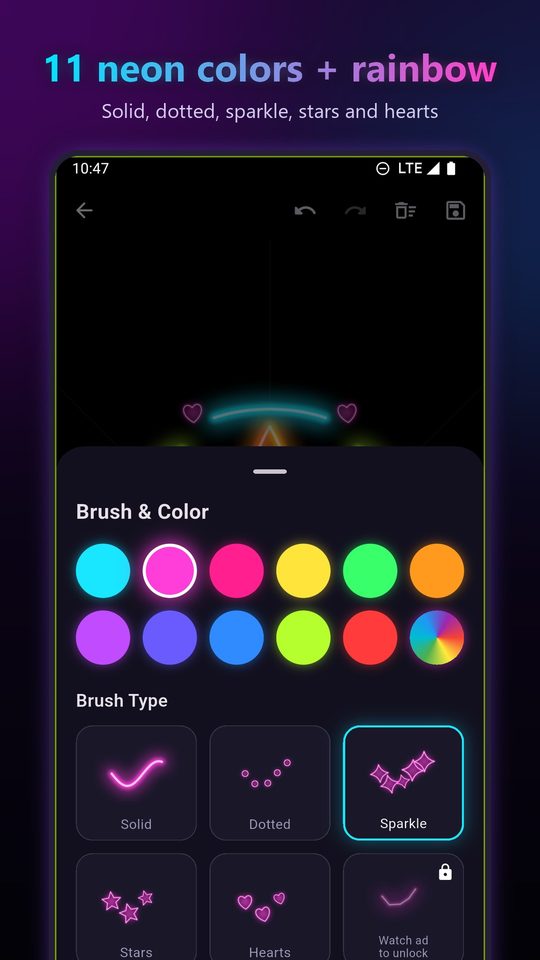
Neon brushes
Solid, dotted, sparkle, stars and hearts, in eleven neon colors plus rainbow. Every stroke glows.
Glow Drawing is a free Android app for drawing glowing neon art with your finger. Glowing brushes on a black canvas, a rainbow color that shifts as you draw, mirror mode for instant kaleidoscopes, and 24 step-by-step lessons that make any drawing easy.
Coming soon to Google PlayFree · Works offline · No account
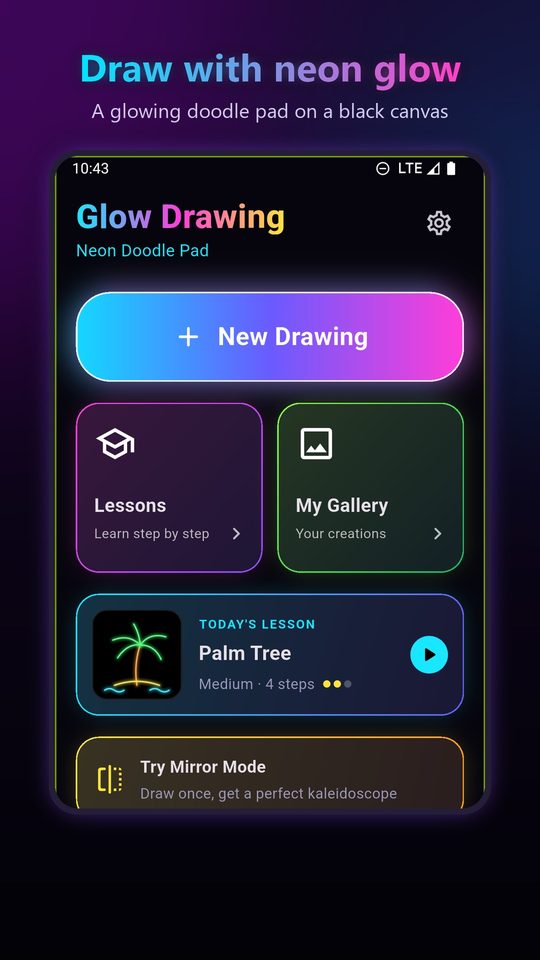
Solid, dotted, sparkle, stars and hearts, in eleven neon colors plus rainbow. Every stroke glows.
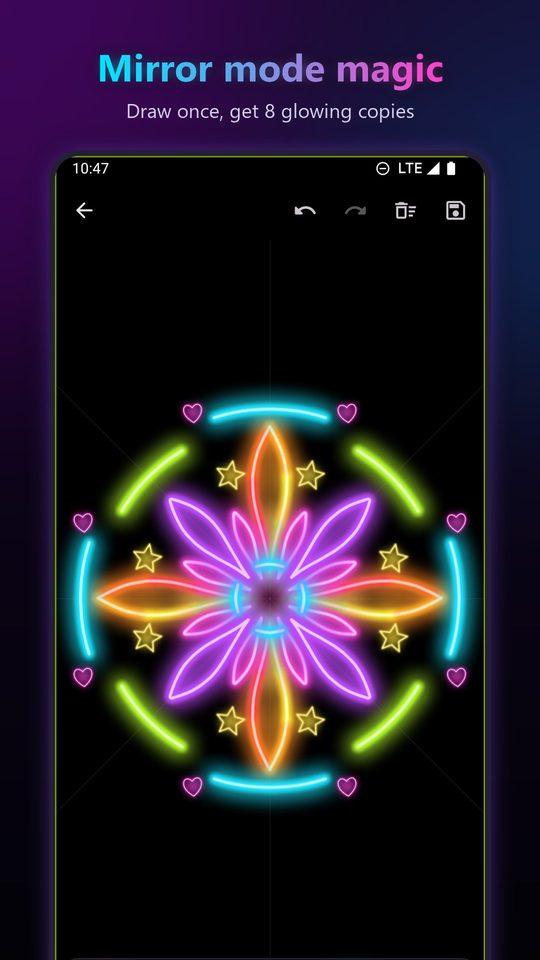
Draw once and get 2, 4 or 8 mirrored copies around the center: mandalas and kaleidoscopes in seconds.
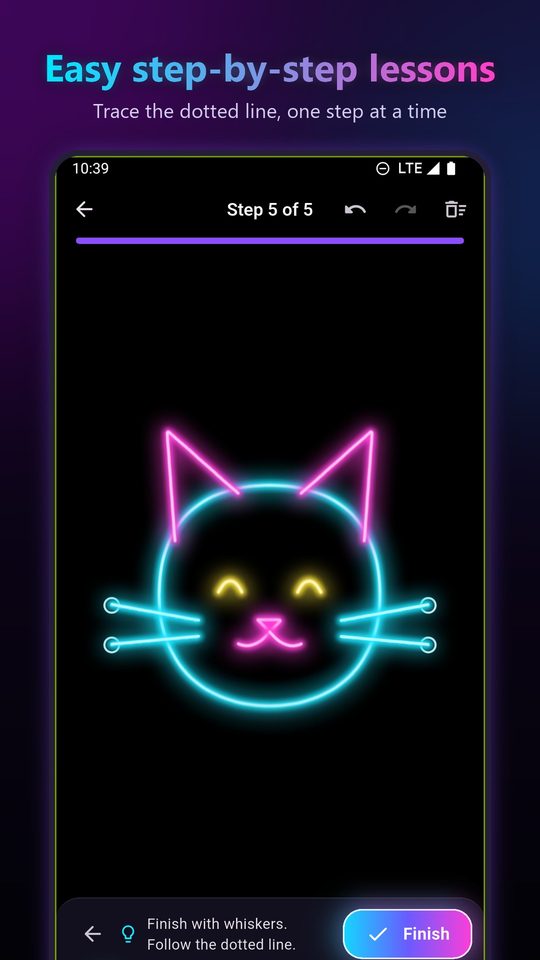
Trace dotted guides to draw a cat, panda, butterfly, rocket, crown, rainbow and more.
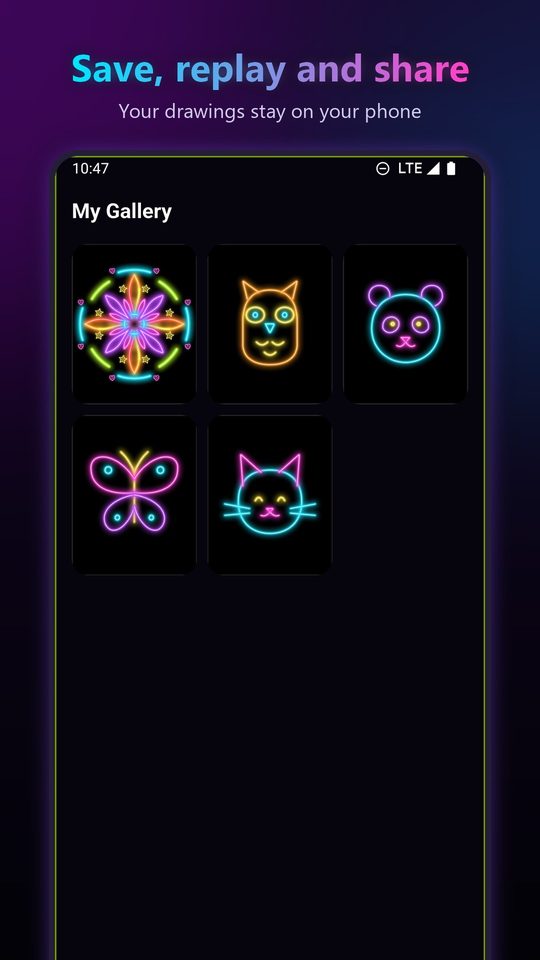
Every drawing is saved on your phone. Replay how it was drawn, save it to Photos or share it anywhere.
To make glowing neon art on Android, open Glow Drawing and draw on the black canvas: the glow is added to every line for you.
Each lesson shows a dotted line to trace, one step at a time, with a suggested neon color for every step. Lessons are rated Easy or Medium.
Cute Cat · Butterfly · Little Fish · Panda · Bunny · Wise Owl · Turtle
Neon Heart · Star · Two Hearts · Shooting Star · Moon & Stars · Diamond
Friendly Ghost · Smiley Sun · Robot · Cupcake · Ice Cream · Rocket
Flower · Rainbow · Crown · Palm Tree · Planet
Glow Drawing is a free Android app for drawing glowing neon art. You draw with your finger on a black canvas and every line glows, with neon brushes, a rainbow color, mirror mode and 24 step-by-step drawing lessons.
Open Glow Drawing, tap New Drawing, pick a neon color and a brush, and draw with your finger. The app adds the glow to every stroke automatically, so no editing or filters are needed.
Yes. Every brush, color, lesson and mirror mode is free. The app shows ads; the lightning brush unlocks for 24 hours after a short ad you choose to watch.
Yes. Drawing, lessons and your gallery all work offline. Only ads need a connection.
Yes. The 24 lessons split each picture into small steps with a dotted line to trace, so you can finish a cat, a butterfly or a rocket even if you have never drawn before.
Mirror mode copies every line 2, 4 or 8 times around the center of the canvas, so a few strokes become a symmetric mandala, snowflake or kaleidoscope pattern.
Open it in My Gallery, then tap Share to send it as a PNG image to any app, or save it to your Photos. You can also replay the drawing stroke by stroke.
No. Your drawings are saved only on your phone. There is no account and no server.
Glow Drawing runs on Android phones and tablets with Android 7.0 or newer.